WiFi 7 Technology: Features, Benefits, Speed, and Compatibility Explained

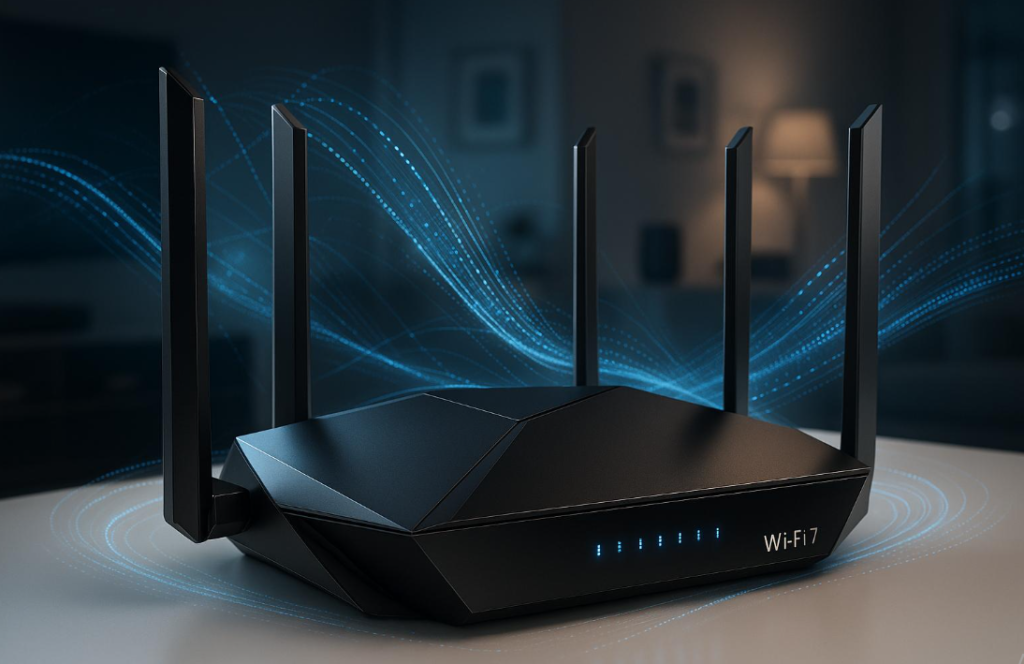
Wireless internet has become an essential part of everyday life, supporting everything from remote work and online education to gaming, video streaming, and smart home devices. As the number of connected devices continues to increase, older wireless standards can struggle to deliver consistent performance in busy environments. This has encouraged the development of a new generation of wireless networking designed to improve speed, capacity, and connection reliability.
WiFi 7 technology represents an important advancement in wireless connectivity. Officially associated with the IEEE 802.11be standard, it introduces wider channels, improved data transmission, and Multi-Link Operation (MLO). These developments are designed to support demanding digital activities while helping multiple devices communicate more efficiently. Understanding how WiFi 7 technology works can help homeowners, businesses, and technology enthusiasts decide whether upgrading their wireless infrastructure makes sense.
What Is WiFi 7 Technology?
WiFi 7 is the seventh generation of wireless networking technology, developed to improve the performance of modern internet connections. It builds on previous generations, including WiFi 6 and WiFi 6E, by introducing additional capabilities that increase wireless capacity and improve communication between compatible devices. The standard is officially known as IEEE 802.11be and is designed to support high-bandwidth applications, connected environments, and increasingly demanding network requirements.
Unlike earlier generations that focused heavily on improving wireless efficiency, WiFi 7 technology combines several enhancements to deliver better overall performance. These include channel widths of up to 320 MHz in the 6 GHz band, 4096-QAM modulation, and Multi-Link Operation. Together, these features can improve data transmission, reduce delays, and make wireless connections more responsive when supported by compatible routers and client devices. The Alliance’s Wi-Fi CERTIFIED 7 overview provides additional information about the standard and its major capabilities.
Another important aspect is its ability to support increasingly complex digital environments. Modern households may connect smartphones, televisions, laptops, gaming consoles, security cameras, and smart appliances to one wireless network. WiFi 7 technology is designed to manage these growing demands more effectively, particularly when multiple compatible devices use advanced networking features simultaneously.
How Does WiFi 7 Work?
WiFi 7 works by transmitting wireless data through radio frequency bands, including 2.4 GHz, 5 GHz, and 6 GHz, depending on the router, device, and available spectrum. These frequency bands provide different characteristics for wireless communication. Lower frequencies generally offer better coverage through obstacles, while higher frequencies can provide additional capacity and wider channels when environmental and regulatory conditions allow.
The standard improves wireless communication through several technical developments. Wider channels allow more data to travel during a transmission, while advanced modulation techniques increase the amount of information that can be encoded into wireless signals. WiFi 7 technology also introduces more flexible ways for compatible devices to use available wireless connections, helping improve performance in environments where traditional networks experience interference or congestion.
A particularly important development is Multi-Link Operation, which allows supported devices to communicate through multiple wireless links. Depending on the implementation, these links may operate simultaneously or be used more flexibly to improve responsiveness and reliability. This makes the technology useful for demanding applications such as online gaming, high-quality video streaming, and real-time collaboration. Qualcomm explains these developments in its WiFi 7 technical overview.
Key Features That Make WiFi 7 Different
One of the most significant improvements is support for 320 MHz channel bandwidth in the 6 GHz band. Wider channels provide more available spectrum for transferring data, potentially increasing throughput when compatible equipment and suitable spectrum conditions are available. This is particularly valuable for activities involving large downloads, high-resolution media, and multiple simultaneous network connections.
Another major feature is 4096-QAM, also called 4K-QAM. This modulation technique can encode more information into each transmission symbol compared with the 1024-QAM used by WiFi 6. Under suitable signal conditions, it offers approximately 20% higher peak transmission rates. However, achieving these improvements depends on signal quality, device capabilities, and the distance between the router and connected equipment.
WiFi 7 technology also includes improvements such as Multi-Link Operation, Multi-Resource Units, and preamble puncturing. These features help compatible devices use wireless spectrum more efficiently. Preamble puncturing, for example, allows a device to use unaffected portions of a wide channel when another portion experiences interference. The Aruba WiFi 7 features guide explains how these technologies contribute to wireless network performance.
Understanding Multi-Link Operation (MLO)
Multi-Link Operation is one of the defining capabilities of the new wireless generation. In earlier WiFi implementations, a device generally communicated using one wireless link at a time. MLO allows compatible routers and client devices to establish multiple links across supported frequency bands, providing additional flexibility for transferring data and managing network traffic.
Depending on the supported configuration, multiple links can be used simultaneously or managed to improve connectivity. This can help reduce latency, increase available throughput, and provide more consistent performance when one frequency band experiences interference. For example, a compatible laptop communicating with a compatible router may benefit from MLO when running latency-sensitive applications such as online games or video conferencing.
WiFi 7 technology uses MLO to improve the way wireless devices interact with network infrastructure. However, users should understand that both the router and connected device need appropriate hardware and software support to benefit from these capabilities. The <a href=”https://source.android.com/docs/core/connect/wifi-7” target=”_blank”>Android Open Source Project’s WiFi 7 documentation</a> provides technical details about MLO implementation and device compatibility.
WiFi 7 vs WiFi 6 vs WiFi 6E
Comparing wireless generations helps explain why the latest standard is receiving attention from network manufacturers and technology users. WiFi 6 introduced improvements in network efficiency, particularly in environments containing many connected devices. WiFi 6E extended these capabilities into the 6 GHz band, providing access to additional spectrum where permitted. WiFi 7 builds on these developments with wider channels, improved modulation, and Multi-Link Operation.
The main difference is not simply maximum speed. Each generation introduces improvements that affect network capacity, responsiveness, and the way devices share wireless resources. WiFi 7 technology is designed to provide more flexibility in demanding environments, especially when compatible equipment can take advantage of its advanced features.
| Feature | WiFi 6 | WiFi 6E | WiFi 7 |
|---|---|---|---|
| IEEE standard | 802.11ax | 802.11ax | 802.11be |
| 6 GHz band | No | Yes | Yes |
| Maximum channel width | 160 MHz | 160 MHz | 320 MHz |
| Modulation | 1024-QAM | 1024-QAM | 4096-QAM |
| Multi-Link Operation | No | No | Yes |
| Main improvement | Network efficiency | Additional spectrum | Higher throughput and flexibility |
An upgrade is not automatically necessary for every household. People who mainly browse websites, send emails, and watch standard-resolution videos may find that their existing WiFi 6 equipment performs sufficiently well. However, households with several demanding devices, faster broadband connections, and compatible networking equipment may benefit more from the improvements offered by the newer generation.
What Devices Support WiFi 7?
Support depends on the wireless hardware installed in a device, its operating system, drivers, and manufacturer configuration. Several newer smartphones, laptops, desktop computers, tablets, and networking products are available with compatible wireless capabilities. However, having a recent operating system does not automatically mean that a device supports every feature of the latest wireless standard.
Windows 11 supports WiFi 7 on version 24H2 or later when the computer includes a compatible wireless adapter and appropriate drivers. Microsoft also explains that full functionality, including Multi-Link Operation and 320 MHz channels, requires a compatible router or access point. Users can review the official target Windows 11 specifications before purchasing compatible hardware.
Android also includes support for WiFi 7 capabilities, although actual availability depends on the device manufacturer’s hardware and software implementation. The same principle applies to other platforms: a router may support advanced wireless features, but older smartphones and laptops will not automatically gain those capabilities. Before upgrading, users should check the specifications of their individual devices rather than relying only on product marketing descriptions.
Do You Need a WiFi 7 Router?
Whether you need a new router depends on your internet usage, current networking equipment, and the number of devices connected to your home or business network. If your existing router provides stable coverage and sufficient speed for everyday activities, replacing it may not deliver a noticeable improvement. Technology upgrades are most valuable when they solve an actual connectivity limitation rather than simply introducing a newer product.
WiFi 7 technology becomes more attractive for households that regularly transfer large files, stream high-resolution content, participate in online gaming, or use several demanding applications simultaneously. Businesses may also consider compatible wireless infrastructure when supporting high-density workspaces, cloud applications, and advanced collaboration systems. However, the benefits depend on the complete network environment, including access points, client devices, internet service, and physical layout.
Before buying a new router, consider the following factors:
- Broadband speed: Check whether your internet plan can benefit from higher wireless throughput.
- Device compatibility: Confirm that your laptop, smartphone, and other equipment support the new standard.
- Home coverage: Consider the building layout, walls, distance, and potential interference.
- Router features: Compare MLO, 6 GHz support, security options, Ethernet ports, and mesh compatibility.
- Budget: Evaluate whether the expected improvements justify the purchase.
A compatible router can improve the local wireless connection, but it cannot increase the speed provided by an internet service provider beyond the limits of the subscribed plan. This distinction is important when deciding whether an upgrade is worthwhile.
Is WiFi 7 Worth Upgrading To in 2026?
For users building a new network or replacing outdated equipment, WiFi 7 technology can be a worthwhile long-term investment. Its advanced wireless capabilities are designed to support higher data demands, improve responsiveness, and accommodate a growing number of connected devices. People who regularly use demanding applications may notice the greatest benefits when their router, internet connection, and client devices all support the relevant features.
However, existing WiFi 6 and WiFi 6E users should evaluate their actual requirements before purchasing new equipment. A modern router cannot solve every internet problem, particularly when slow performance results from an unreliable broadband connection, poor router placement, outdated device hardware, or network congestion outside the home. Improving these underlying issues may provide better results than replacing equipment immediately.
Ultimately, WiFi 7 technology offers meaningful improvements for users who need advanced wireless performance and have compatible devices. It is especially relevant for technology enthusiasts, larger households, connected workplaces, and environments that depend on reliable high-speed communication. For casual internet users, an upgrade can remain optional until their existing network becomes a limitation.
Conclusion
Wireless networking continues to evolve as digital activities require faster and more reliable connections. WiFi 7 introduces several important improvements, including wider 320 MHz channels, 4096-QAM modulation, and Multi-Link Operation. These capabilities are designed to increase throughput, improve network responsiveness, and support more demanding connected environments.
Choosing whether to upgrade depends on individual requirements, available broadband speeds, and device compatibility. While not every household needs the newest networking equipment, WiFi 7 technology provides a strong foundation for future wireless applications. Understanding its features and limitations makes it easier to select the right equipment and build a network that supports modern digital needs.
Frequently Asked Questions
Is WiFi 7 faster than WiFi 6?
Yes. WiFi 7 supports wider channels, improved modulation, and Multi-Link Operation, which can provide significantly higher throughput under suitable conditions.
Does WiFi 7 work with older devices?
Yes. WiFi 7 routers are designed to support older WiFi generations, although legacy devices cannot use the newest features.
Do I need a special router for WiFi 7?
Yes. You need a compatible WiFi 7 router or access point to access the generation’s advanced wireless capabilities.
Does WiFi 7 improve gaming performance?
It can improve responsiveness and reduce latency when compatible devices use MLO, but actual gaming performance also depends on your internet connection and server location.
Is WiFi 7 worth buying in 2026?
It can be worthwhile for users who need high wireless throughput, advanced networking features, and support for compatible modern devices.